Adding custom fonts for Premier Page
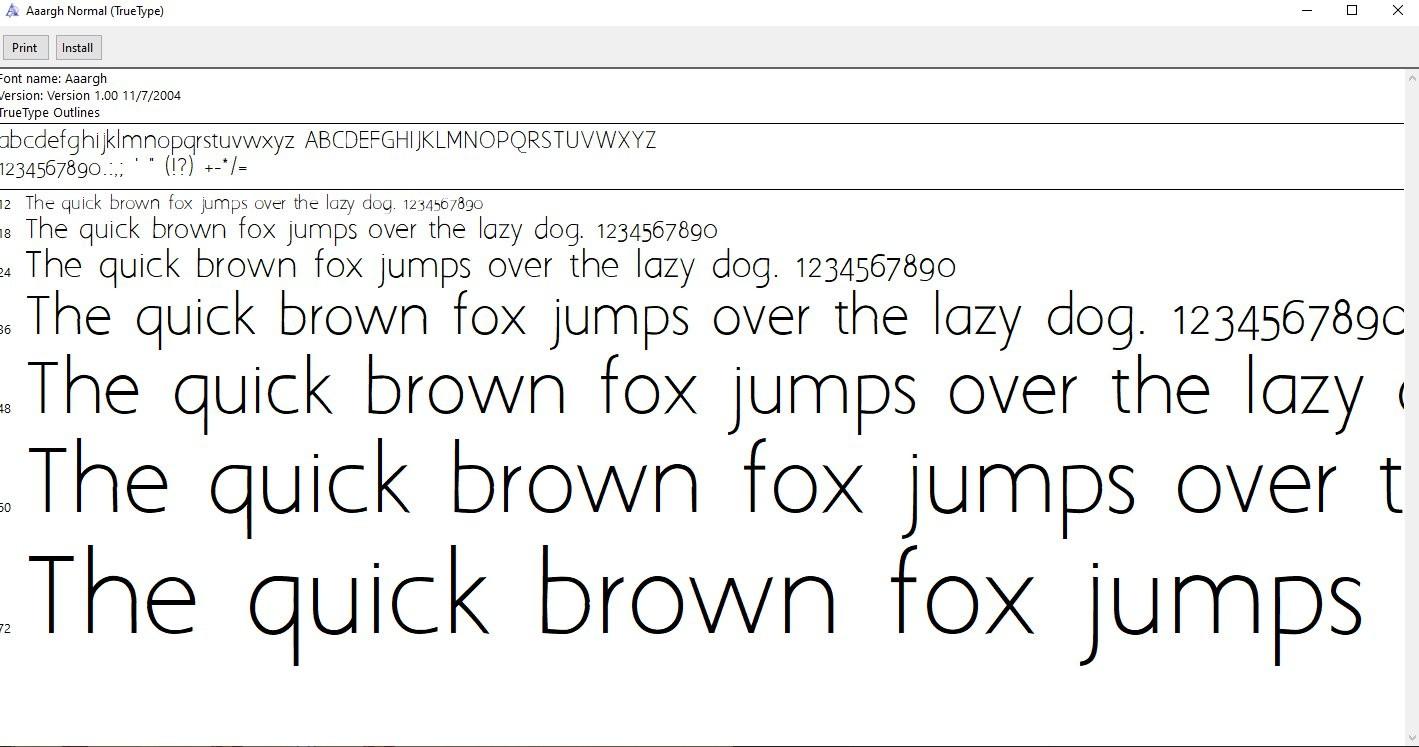
1. Download a .ttf or .woff (font file)
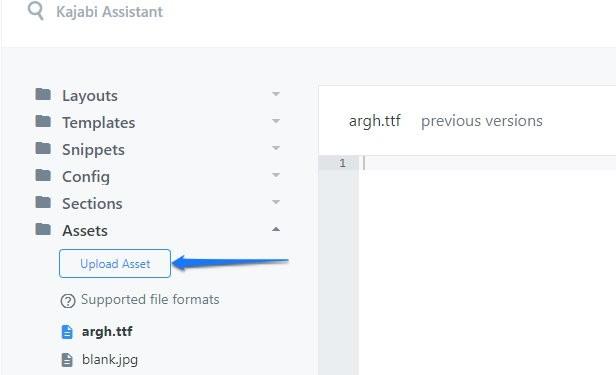
2. Upload the .ttf or .woff file with the "Upload Asset" option in the Assets section of the code editor
NOTE: DO NOT INCLUDE CAPITAL LETTERS OR SPACING
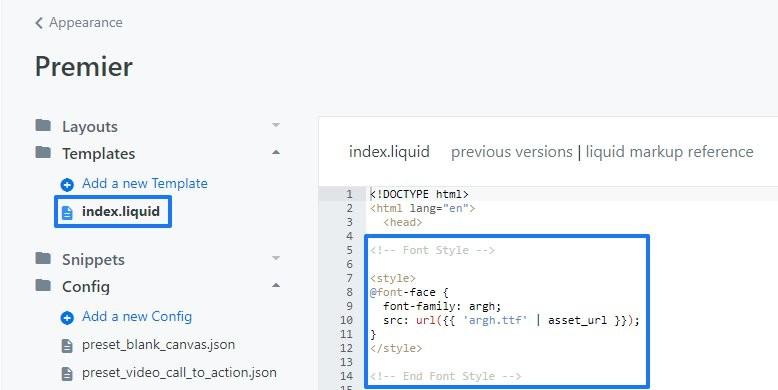
3. Add the following CSS between the head tag in index.liquid
<style>
@font-face {
font-family: yourfontfilenamehere;
src: url({{ 'yourfontfilenamehere.ttf' | asset_url }});
}
</style>
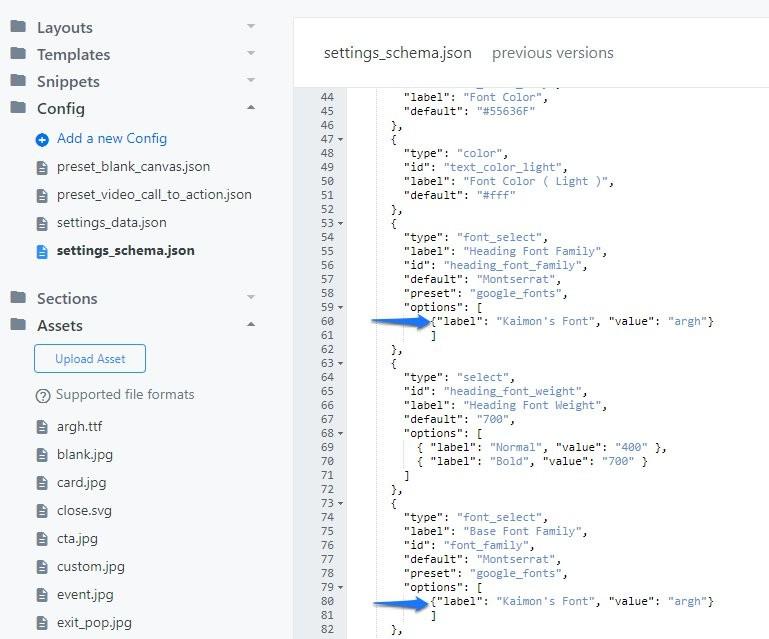
4. Add the following to SETTINGS_SCHEMA.JSON and adapt for your template
{"label": "inputanynamehere", "value": "yourfontfilename"}